The useful question for a mobile game studio choosing AI tools for 2027 is where work gets stuck. A missing ad concept, an unreliable data pipeline and an untested purchase flow need different products. Buying a large collection of subscriptions before naming that bottleneck usually creates another workflow to maintain.
This guide keeps 25 tools across agents, UA and creative, art and design, data, QA, and sound and voice. Product descriptions link to official pages. The suggested studio workflows are editorial recommendations, with no claim that we personally tested every tool or that a vendor’s customer results will repeat in another game.
Several names need careful handling. Unity’s current AI tools are separate from the deprecated Muse product. Nano Banana refers to Google’s image-generation offering within Gemini, rather than an independent gaming platform. Magnific now covers the former Freepik AI creative platform as well as the upscaling heritage associated with that name.
Choose tools against a production task you can measure. For creative work, count usable outputs after review and editing. For coding, inspect the change and test the behavior. For analytics, reconcile the answer with a trusted query. The metric should reflect what the studio can ship.
A reusable workflow for AI-assisted game production
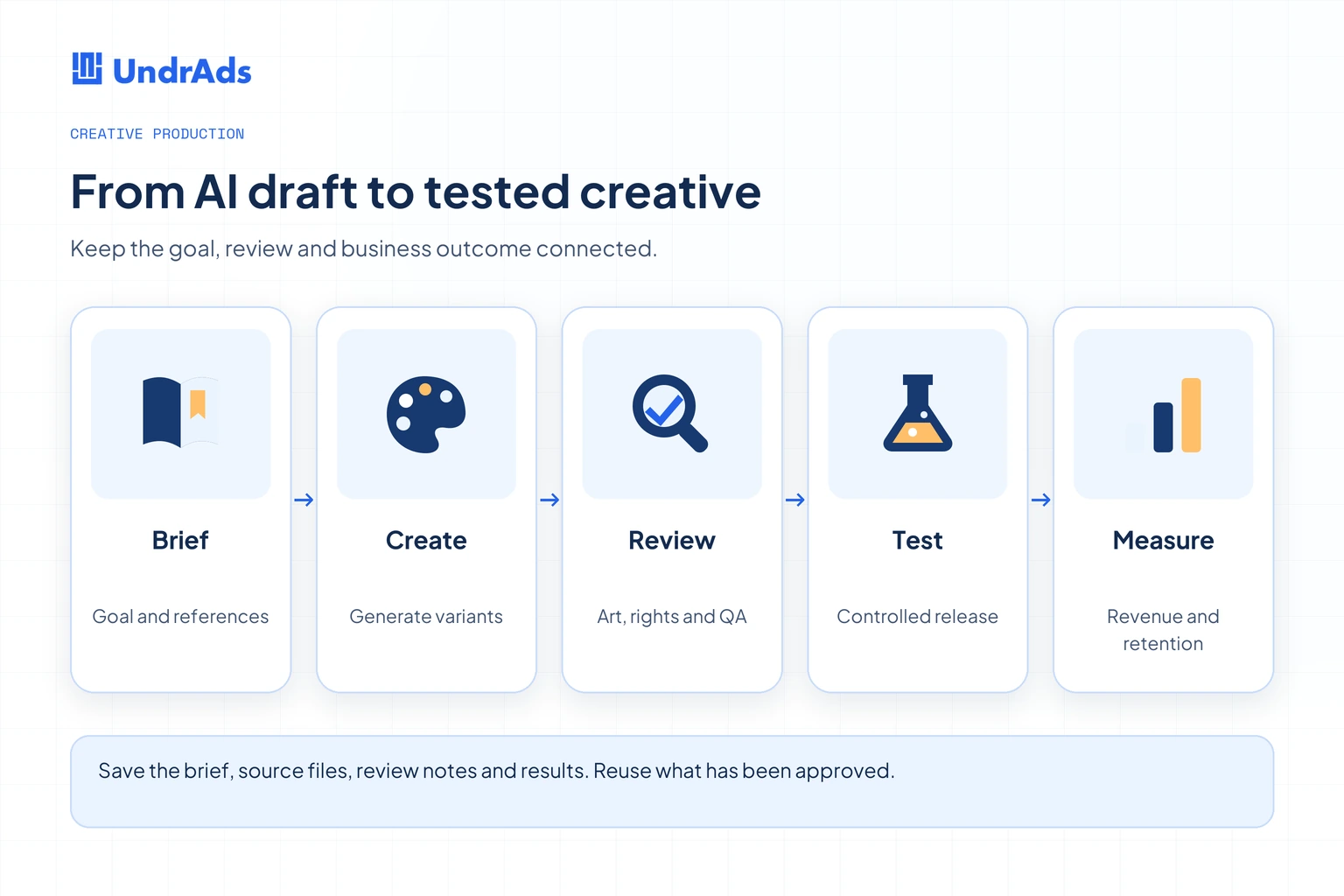
A good brief records the intended audience, actual gameplay, dimensions, references and acceptance criteria. It also states which source assets the team can use. That brief should travel with generated files, review comments and the final export so another person can reproduce the work.
Keep generation, review and live testing as distinct steps. A convincing character illustration can still have the wrong costume. A playable can load correctly while misrepresenting the game. A dashboard answer can sound reasonable while using the wrong revenue definition. Each needs a different reviewer.
Agents and workflow tools
1. Claude
Claude is Anthropic’s general-purpose assistant for text, analysis and coding. Its official product page describes file creation, code work, connected tools and several personal and organizational plans. It belongs in a studio workflow when the team needs help reasoning through documents or implementing a defined task.
A useful starting job is turning a scattered feature brief into acceptance criteria and a QA checklist. Provide the existing design constraints, terminology and examples of valid behavior. Ask for assumptions to be listed so a designer can resolve them before engineering starts.
For code work, give the assistant a contained change and review the resulting implementation. The project context matters more than asking for a generic “best” architecture. Keep sensitive game data within the organization’s approved workspace and account arrangements.
Measure the time from brief to reviewed output, including corrections. A long answer that requires another hour of interpretation may be less useful than a short checklist the team can apply immediately.
2. ChatGPT
ChatGPT supports writing, coding, image creation, research and connected work, with availability depending on the plan and environment. For gaming teams, its value often comes from combining a clearly supplied brief with reusable instructions and reference material.
One practical workflow is preparing a batch of creative hypotheses from a recent campaign review. Supply the actual results, explain the audience and ask for distinct ideas tied to specific observations. Keep the original measurements attached so a creative lead can distinguish evidence from speculation.
It can also help draft localization variants or analyze a supplied export. Have a native speaker check language and tone, and have an analyst check the definition of each metric. Neither task is complete when the assistant merely returns fluent text.
Keep the approved prompt, source files and final output together. That lets the studio reuse a successful approach without relying on one person’s chat history. Compare account and integration requirements with the current official plans before budgeting.
3. Unity AI
Unity’s AI tools include an in-editor assistant and ways to connect external agents to the Editor. Unity explicitly distinguishes these tools from Muse, which it describes as deprecated. The current product page discusses Unity 6 and later, package installation and beta terms.
For a Unity project, evaluate the tools on a real editor task: finding the relevant object, changing a scene or implementing a small gameplay behavior. Project-aware assistance is valuable only if the change matches the intended hierarchy, project conventions and supported engine version.
Keep a recoverable project state before testing editor actions. Review generated scripts, assets and settings changes as you would contributions from another developer. Include the result in a device build because Editor behavior alone does not establish mobile performance.
Do not budget on the assumption that an old Muse subscription or point allowance maps directly to the current offering. Confirm access, credits, production permissions and the exact package version for the studio’s intended use.
4. Cursor
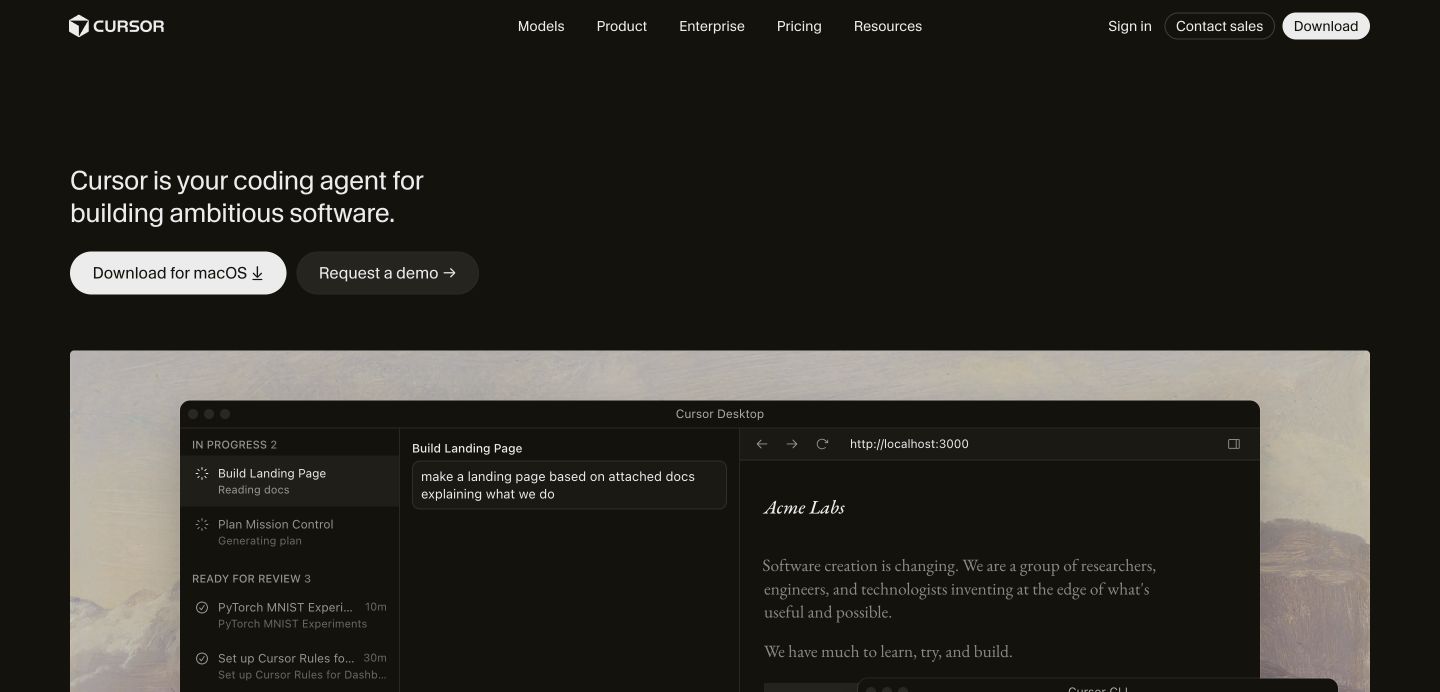
Cursor offers coding-agent workflows across its development tools. A mobile studio can use it for a defined engineering task, such as tracing an analytics event, reviewing an integration or building an internal reporting utility.
Start with an issue that has a clear expected behavior and a manageable set of files. Provide the project’s conventions and identify the build or device checks that determine success. The agent can then work against concrete criteria rather than inventing requirements.
Watch the integration boundary. A generated SDK wrapper may compile while mishandling initialization order, activity lifecycle or asynchronous rewards. Have the responsible engineer review those paths and exercise them on the target platform.
Evaluate reviewed changes per engineering hour, with rework included. Also inspect account controls, model access and usage billing on the current plan. Treat generated code as a contribution the studio owns and maintains after the conversation ends.
5. n8n
n8n is a workflow automation platform that connects services, code and AI steps. It can help a gaming team move information between systems, with cloud and self-hosting considerations depending on the chosen setup.
A contained first workflow could collect approved campaign exports, validate the expected columns and create a draft weekly performance note. Keep the calculations deterministic and use an AI step to explain the result in plain language. That makes it easier to investigate a wrong number.
Plan failure handling before connecting a live process. Decide what happens if a source is late, a field changes or a request fails halfway through. Use a clear owner and a visible error queue so an automated process does not silently stop working.
For budgeting, include workflow usage, hosting, maintenance and external model charges. Check the current license and feature entitlements for the proposed deployment. A downloadable component does not make every operating configuration costless.
UA and creative production
6. Sett
Sett focuses on creative production for mobile game UA, including video and playable concepts. Its public proposition connects creative generation with testing and iteration. That makes it relevant to teams whose constraint is a shortage of distinct concepts reaching campaigns.
Give the provider a brief that distinguishes actual gameplay from the narrative framing around it. Include target audiences, approved character art and the network requirements for the final export. Ask to inspect a complete handoff rather than judging only the opening hook.
A useful pilot compares the team’s existing process with a contained batch of new concepts. Record how many pass brand and gameplay review, how much editing they need and what happens when they reach a controlled campaign test.
Keep each creative’s hypothesis attached to its results. Producing many variants of the same idea can increase file volume without widening what the team learns. Evaluate concept diversity and usable delivery alongside production speed.
7. Kling AI
Kling AI offers image and video generation with creative tools and developer access described on its official site. For a gaming team, it can be evaluated for short visual sequences, concept exploration and variations around approved reference artwork.
Use a small shot brief with a clear subject, action and camera intention. A single controlled scene is easier to review than a long sequence combining several untested requirements. Keep the original reference beside the output when checking character identity and environment details.
Generated footage needs editorial work. Inspect continuity between frames, movement, hands, props and readable UI. For UA, confirm that the sequence represents the experience the player will find after installing the game.
Track the cost of the accepted clip after retries, upscaling and editing. A headline subscription price tells you little about a demanding production brief. Check the live model and credit options when the studio is ready to run the pilot.
8. Runway
Runway describes a creative suite for generating and editing video, images and audio, alongside a developer platform. A studio can assess the creative workspace for production tasks and the API path separately if it wants to automate a repeatable pipeline.
Consider it for animating approved key art, exploring a trailer shot or preparing a visual variation that an editor can finish. Define the required duration, aspect ratio and continuity before generating. Preserve the approved still and final settings as part of the asset record.
Review the complete exported file rather than relying on the preview. Compression, crop, audio and small visual artifacts can become more noticeable in a mobile feed. Have the editor check the final placement at the size players will actually see.
For an API workflow, account for retry logic, usage cost and version changes. Avoid building a production schedule around a model name that may change before the next campaign. Evaluate the capability and delivery contract.
9. Pika
Pika offers creative tools for video, images and audio. Its current site describes focused apps for tasks such as video generation, image editing and extending footage. The relevant studio use is the specific production task those tools can complete.
A short UA hook or transition is a sensible pilot. Give the editor a fixed brief and ask for a small number of deliberately different directions. Select one based on the campaign hypothesis and product fit, then finish it in the existing editing workflow.
Pay attention to the join between generated and captured footage. Changes in art style, lighting or motion can make a creative feel disconnected from the real game. A visually interesting effect may still be the wrong choice for that audience.
Measure how many variants survive review and how much finishing time remains. Confirm export quality, watermark rules and commercial permissions for the selected plan before shipping. Keep the original project and source references available for future revisions.
10. Nano Banana in Gemini
Google’s Gemini image-generation page uses the Nano Banana name for its image offering. It supports generating and editing images, with model access and limits linked to the current Google AI plan. It should be evaluated as that image capability, rather than priced as a separate enterprise gaming platform.
A studio could use it to explore an icon direction, change the setting around an approved character or prepare a storyboard reference. Supply the elements that must remain consistent and make one deliberate change at a time when identity matters.
Check small text, silhouettes and important costume details at export size. Image generation can produce an appealing composition while introducing a tiny difference that makes the asset unsuitable for the game’s UI or branding.
Keep concept exploration separate from final production approval. Store the reference, prompt and approved output so an artist can continue the work. Verify the current usage limits and terms for the actual account the team will use.
11. Layer AI
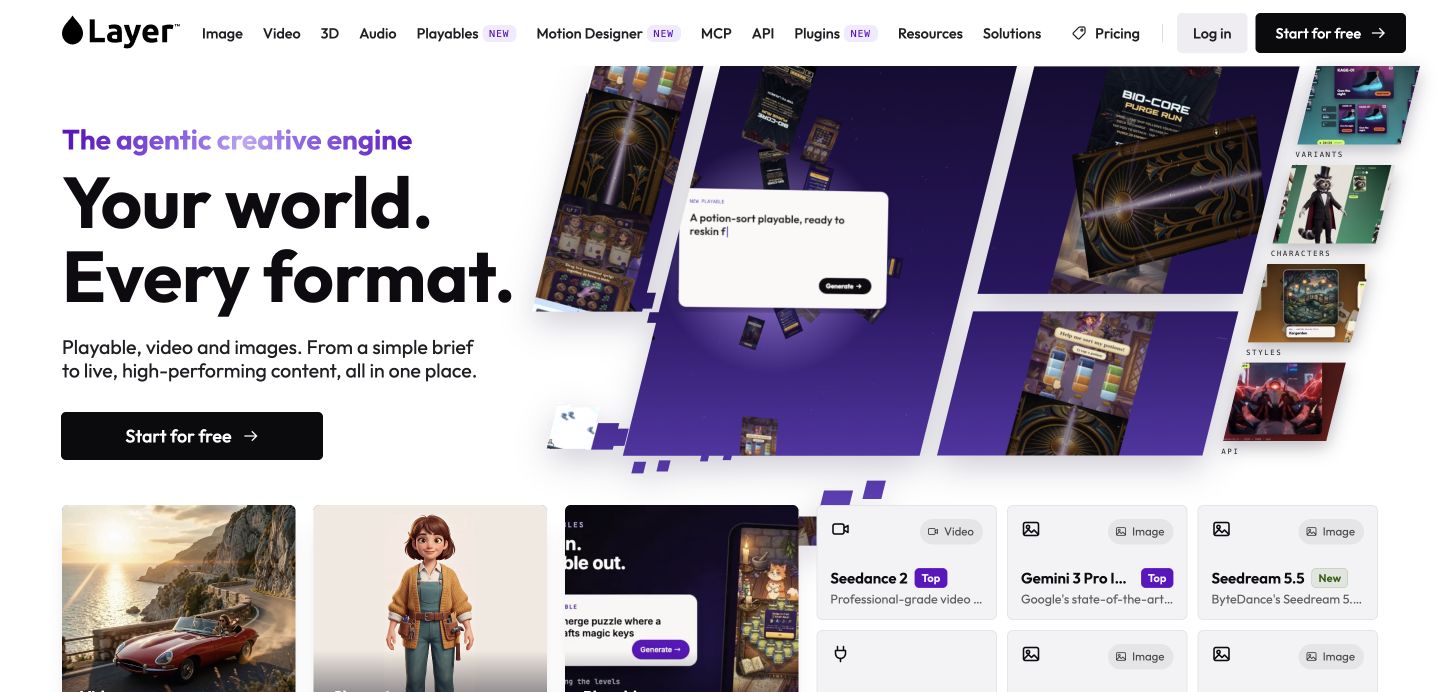
Layer AI presents a creative platform spanning images, video, 3D, audio and playables, with workflows and developer connections. Its relevance to a studio is the possibility of carrying a game’s visual references through several asset types.
Evaluate it with a small family of related assets, such as a character pose, event reward and campaign image. Use a written style reference and ask the art lead to judge whether the outputs belong together at actual display sizes.
For an integrated production workflow, inspect file naming, export organization and how another artist can recover the references and settings. An attractive image is only one part of the handoff. The source trail matters when the game needs another season of content.
Ask which capabilities belong to your plan and which depend on separate models or usage credits. Measure accepted assets and total finishing time. Wider model access is useful when it reduces a real production constraint the team already understands.
12. Segwise
Segwise describes creative analytics that tags and analyzes ads, identifies patterns and supports new creative generation. It fits teams trying to connect what their campaigns show with the brief for the next batch of ads.
Start by checking the underlying joins. The same creative may appear under different names across networks, countries and campaigns. Ask how the system recognizes it and which performance windows its analysis uses. Inconsistent source data can produce confident but misleading patterns.
Review a few suggested creative patterns against actual examples. A tag associated with higher return may also be associated with a particular country or acquisition period. Use that observation to form a controlled test rather than declaring the visual element a proven cause.
Success should mean clearer briefs and better decisions from the existing spend. Track whether the team can explain why it is making each new creative, and whether those hypotheses remain traceable after launch.
13. GenieLabs
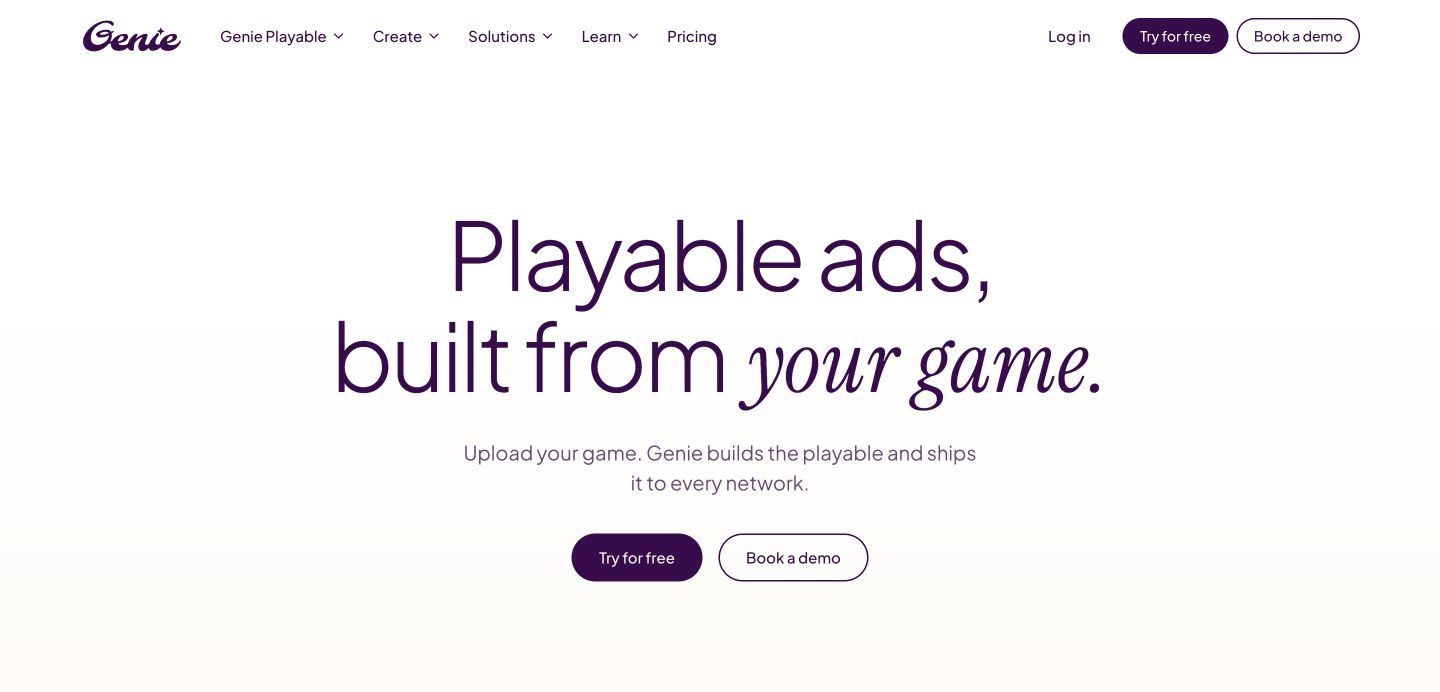
GenieLabs’ current site emphasizes Genie Playable, with a workflow for making, editing, shipping and analyzing playable ads. It also describes related game asset production through Genie Studio. Evaluate the named product required for your task.
For a playable pilot, choose one real mechanic and a clear completion event. Ask for the playable in the formats required by the networks you plan to use. A working browser demo does not by itself establish that every network export meets its delivery requirements.
Review loading behavior, interaction, sound defaults and the final call to action on representative devices. Check whether a player who enjoys the ad will recognize the same mechanic in the installed game.
Preserve the source brief and export variants. A reusable playable project is easier to adapt to new languages, artwork and campaigns than a collection of final files with no production history. Judge the pilot on that handoff as well as the creative itself.
14. INCYMO
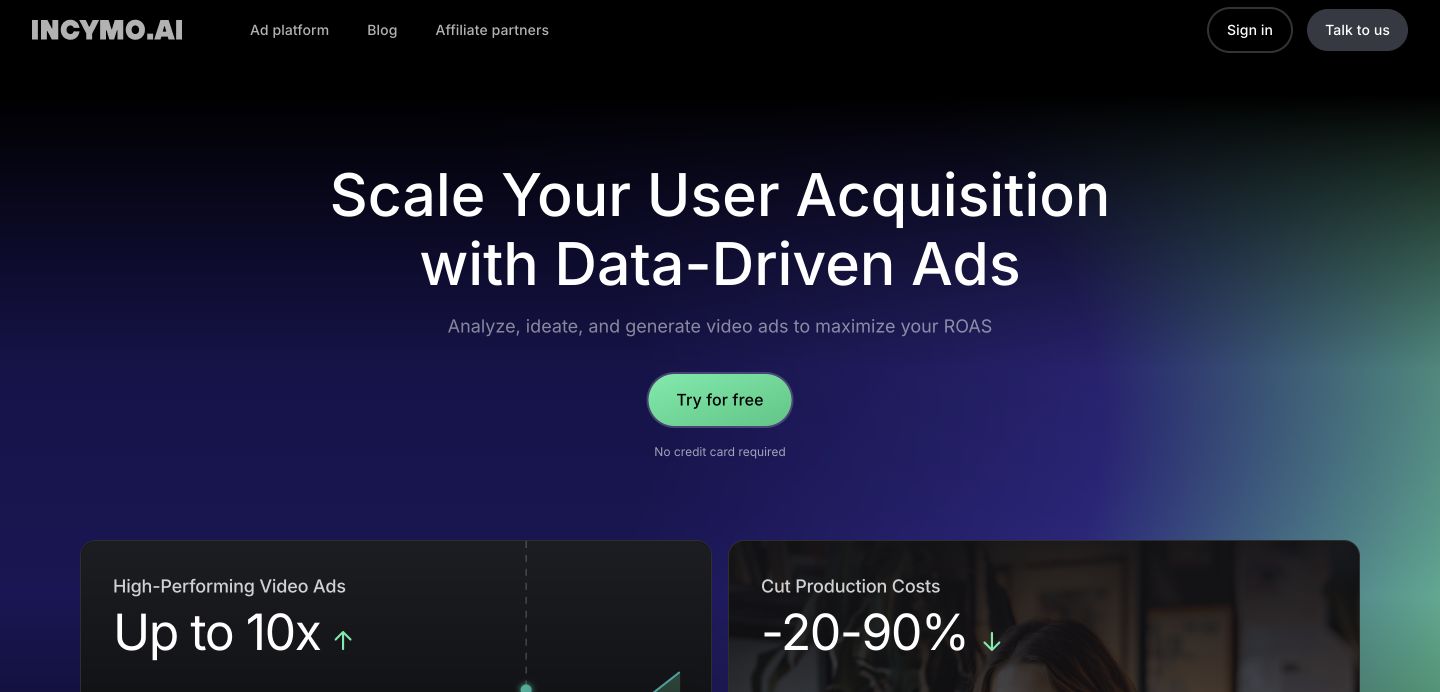
INCYMO describes analyzing video creatives, generating ideas and producing briefs or video assets. Its public materials discuss hooks, motion, dialogue, pacing and game mechanics as creative inputs.
A useful evaluation begins with an existing campaign review. Provide the team with the actual creative set, the relevant metrics and the decision being made. Ask the platform to propose a small number of new briefs that explain which element changes and why.
Keep campaign context attached to the analysis. A creative that performed well with one network’s audience may need a different treatment elsewhere. Separate proven measurements from the new hypothesis that the next brief introduces.
Have a creative lead review the brief before any production order. Check product accuracy, rights and brand tone, then measure editing effort and campaign results. Treat advertised speed or cost improvements as vendor claims to evaluate within your own pilot, with the existing process as a baseline.
Art and design
15. Scenario
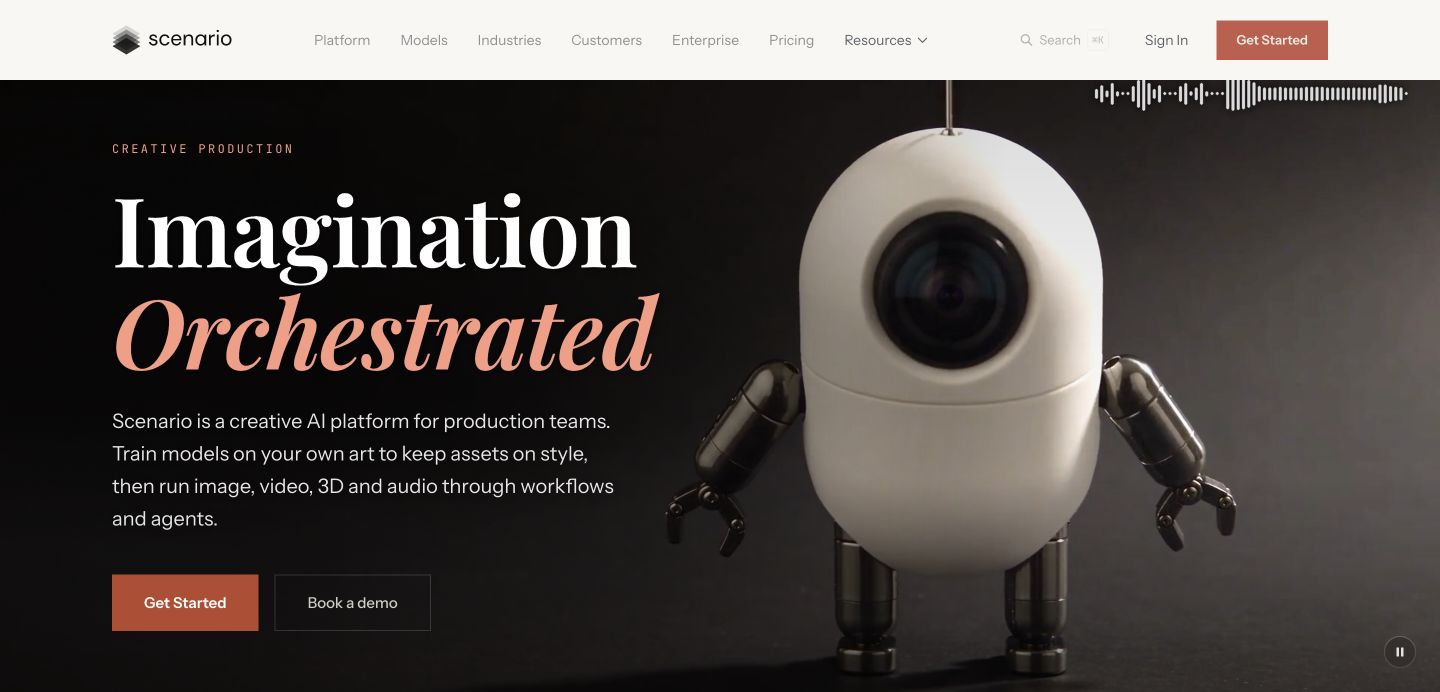
Scenario describes a creative production platform with custom models trained on a team’s artwork and workflows across several media types. For a game studio, the important question is how consistently it can reproduce the approved visual language.
Use a reference set that the studio has permission to use and that reflects the real production style. Separate subjects and views when evaluating consistency. An image that matches the palette may still miss the character proportions or material treatment.
Build the pilot around an asset family with clear acceptance criteria. Ask the art lead to inspect silhouette, line quality, composition and small-screen readability. Save rejected examples too, because recurring failures help define where a human artist should take over.
For longer-term adoption, review ownership, training permissions, access controls and export workflow under the actual agreement. Compare production time after cleanup rather than assuming a generated image is ready to enter the game unchanged.
16. Meshy
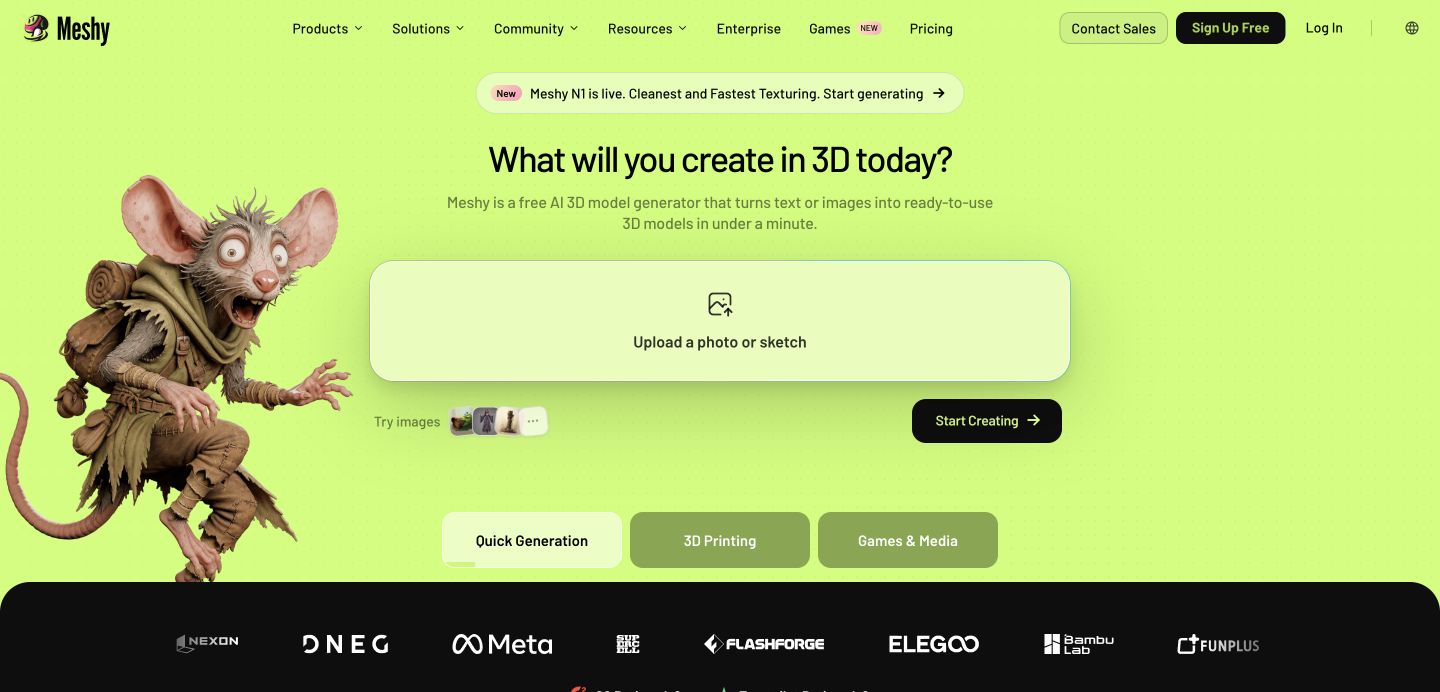
Meshy offers text-to-3D and image-to-3D generation, texturing and related asset tools. Its game development applications make it worth testing for prototypes and selected production tasks where a 3D artist can evaluate the resulting mesh.
Start with a prop that has a clear reference and known device budget. Inspect topology, scale, materials, UVs, collision and draw-call implications after import into the engine. A turntable render can hide problems that appear immediately in a mobile scene.
If animation is required, assess the rig and deformation using the intended motion. Avoid approving an asset solely because it looks convincing while static. Keep the technical artist involved in deciding which output is worth repairing.
Record accepted files, cleanup time and runtime performance. An AI-generated prop can be useful even when it needs finishing, provided the total workflow is better for that task. Confirm export formats and commercial rights under the plan used for the project.
17. Midjourney
Midjourney develops image and video models and provides a creative exploration environment. For studios, a practical use is visual development: mood, composition, lighting and alternative directions for an art brief.
Define the question an exploration should answer. The team might be choosing between two environment treatments or testing whether an event theme reads clearly on a phone. A focused question makes selection easier than collecting attractive images without a production decision attached.
Bring selected references into the studio’s normal art review. Check that characters, symbols and environments fit the game and can be produced consistently. Concept images often need substantial interpretation before they become UI, sprites or engine-ready assets.
Review the current plan rules for privacy, usage and business eligibility. Keep approved concepts with their briefs and rights record. Evaluate the tool by how much it helps the team make a useful art decision, rather than by the volume of generated variations.
18. Ludo.ai
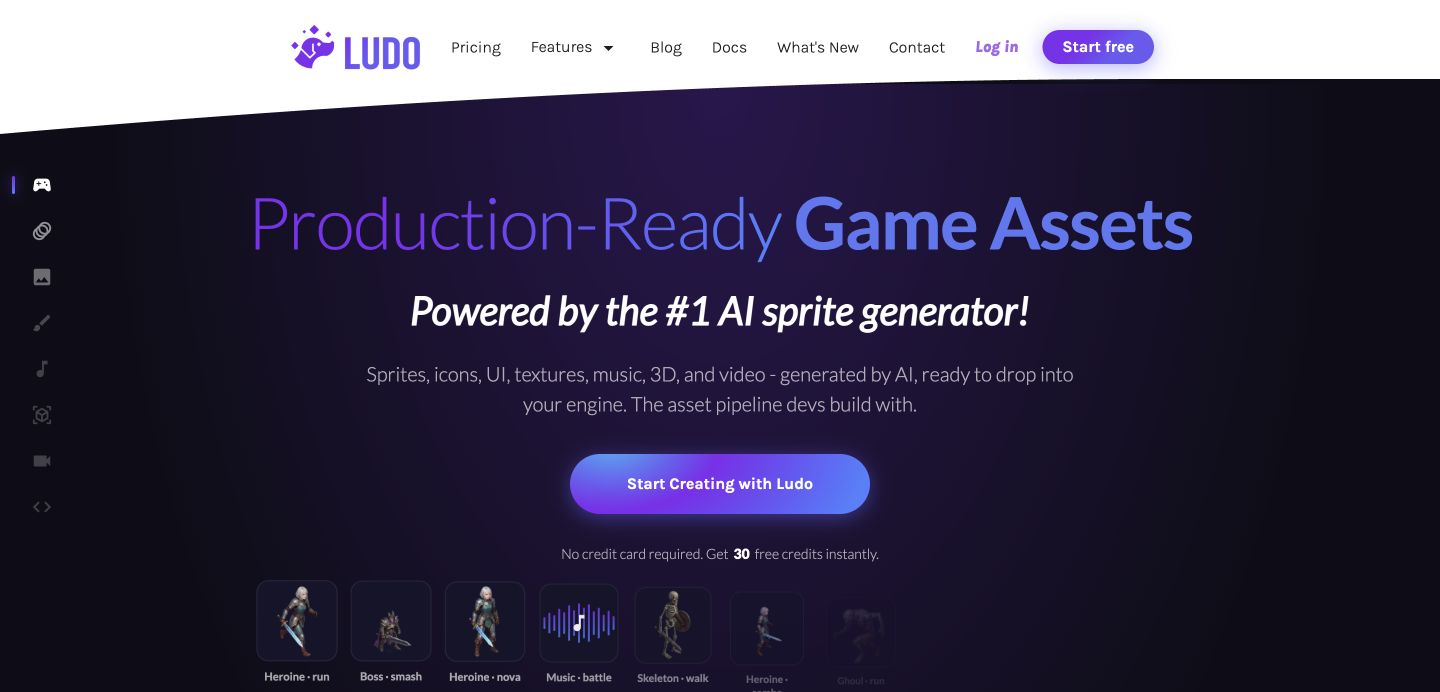
Ludo.ai currently presents an AI game asset pipeline with sprites, UI, textures, audio, 3D and video capabilities. Its positioning goes beyond the ideation-only description found in older tool lists.
A sensible pilot is a small animated sprite set for a prototype. Define the view, dimensions, frame requirements and engine import expectations. Test the result in motion against the actual background and collision setup, since a sprite sheet preview cannot reveal every gameplay issue.
For UI and icon work, test readability at the smallest supported display size. Consistent spacing, contrast and silhouette matter more than fine detail that disappears on a phone. Have the art lead decide where manual cleanup is required.
Save prompts, reference assets and import settings beside approved outputs. For budgeting, compare the available credits and generation costs with the number of accepted assets. Confirm current licensing and export options before placing the workflow on a release schedule.
19. Magnific, formerly Freepik AI
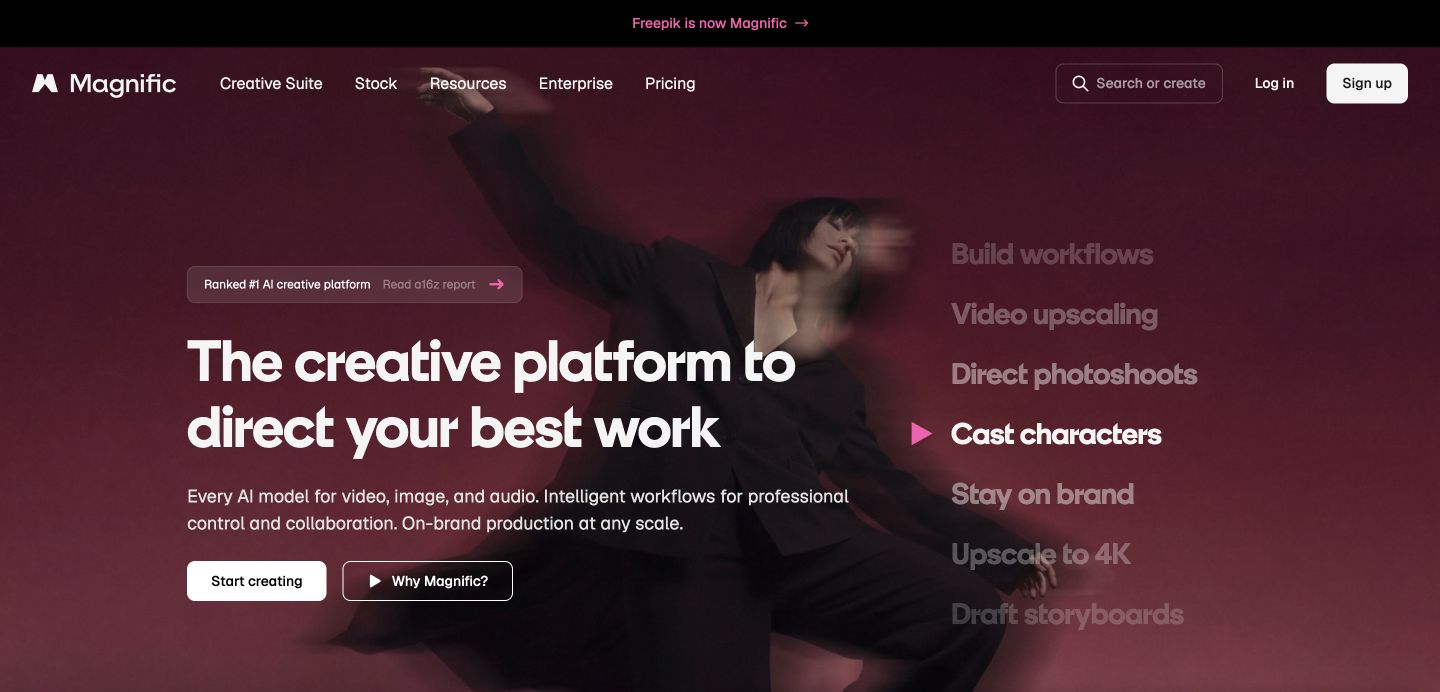
Magnific now presents a broader creative platform across images, video and audio. Its official rebrand explanation states that Freepik AI became Magnific in April 2026 and that existing accounts and plans moved with it. The name should no longer be explained solely as a standalone upscaler.
For a studio, choose the actual capability being evaluated: image editing, upscaling, storyboards or a repeatable creative workflow. Test it on an asset with known details that must survive the process.
Inspect enhancement carefully. Added texture can look attractive while changing a logo, character feature or UI element. Compare the original and final output at the intended display size, and keep the original source available.
Budget against the current Magnific plan and model usage. An old Freepik or Magnific price quoted in a historical article may refer to a different bundle of features.
20. Artlist
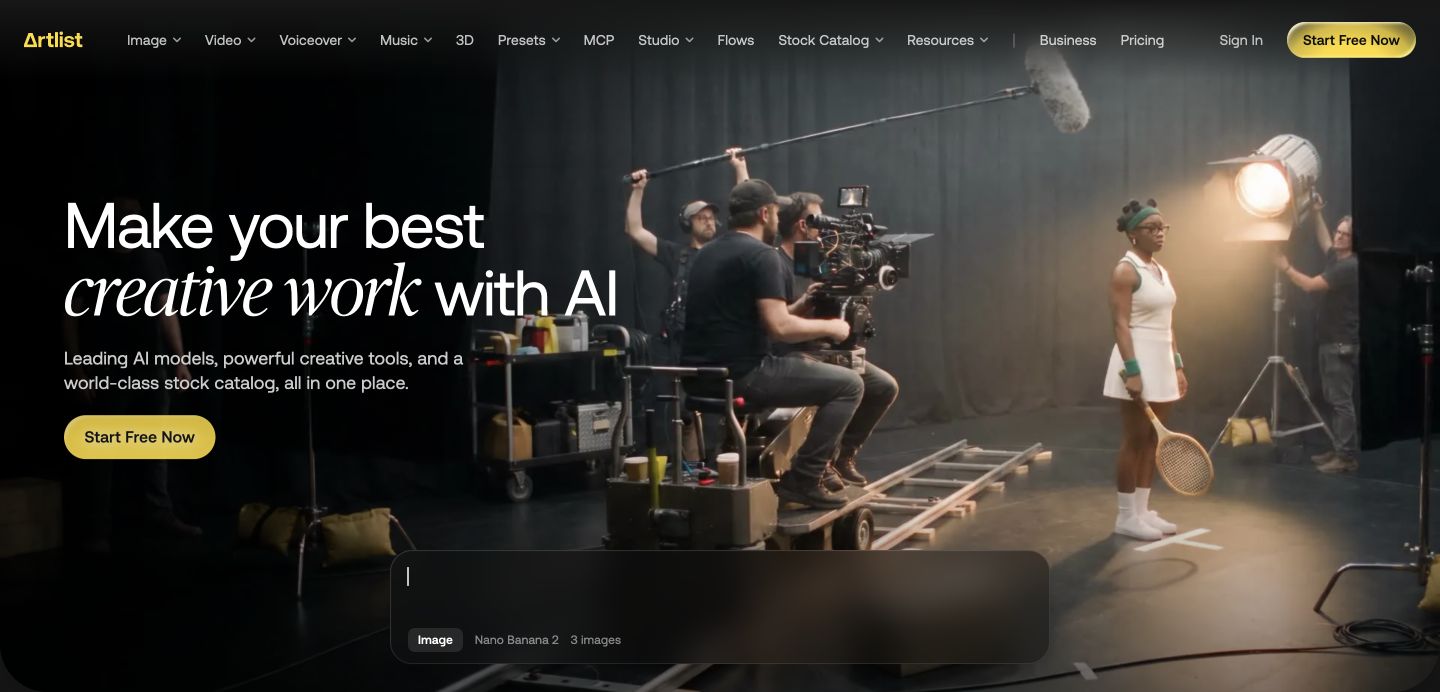
Artlist combines AI creative tools with a stock catalogue that includes music, footage, sound effects and templates. Its site describes image, video, voice and music generation as well as team workflows.
It can be useful when the production bottleneck sits across several media types. An editor preparing a UA concept may need a voice track, a music bed and a few visual assets in the same project. Evaluate whether one workspace improves that specific handoff.
Review license scope for the intended use. A track cleared for an advertising video and audio embedded within a distributed game can involve different permissions. Check the applicable plan and license language with the person responsible for publishing the asset.
Keep the licensing record with the final export and original project. For an agency or studio handling several brands, also verify who must hold the plan and what remains covered after it ends. The operational value includes retrieving that evidence later.
Data and analytics
21. Bruin
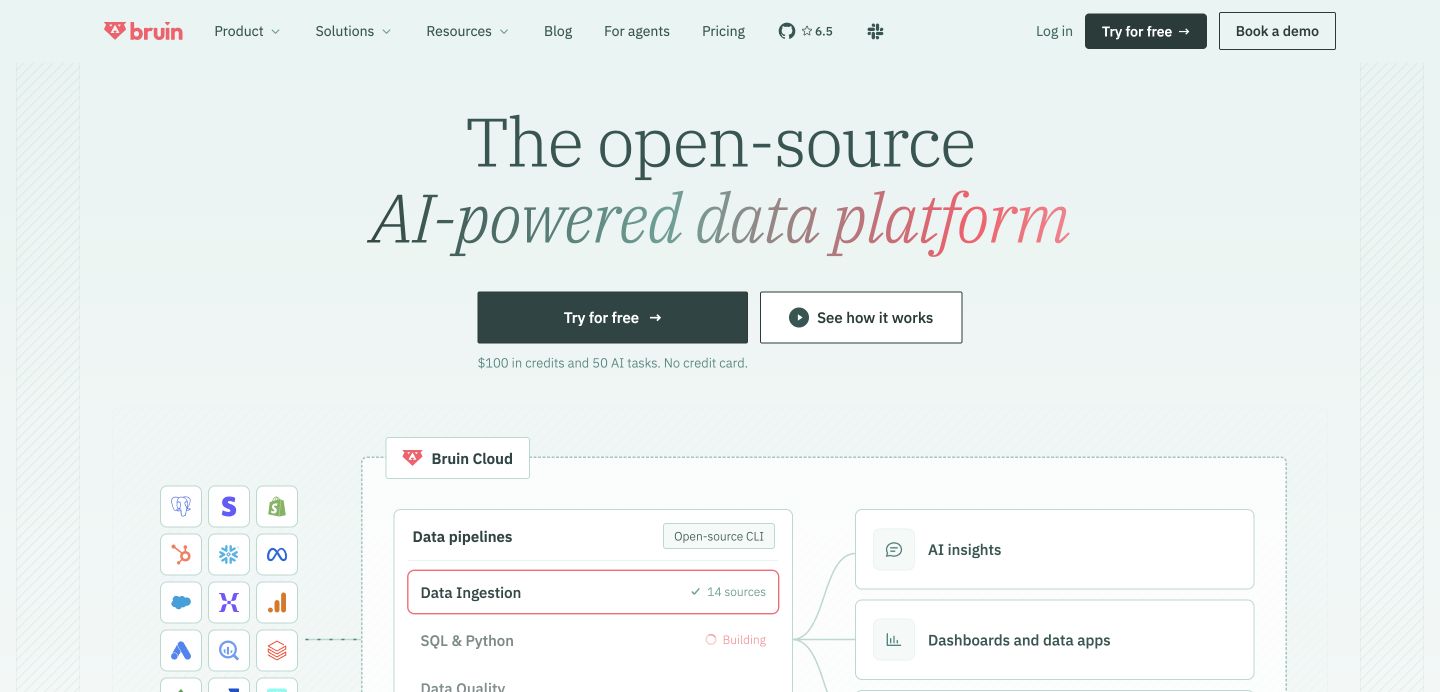
Bruin describes an AI-powered data platform covering ingestion, SQL and Python transformation, data quality, lineage and AI analysis. Its open-source components and managed cloud offering serve different operating needs. It is broader than a conversational layer pasted onto a dashboard.
A mobile studio could evaluate it on a known reporting problem: reconciling ad revenue, purchases and acquisition cost into a consistent daily model. Define the treatment of currencies, time zones and late adjustments before asking an AI analyst to explain the data.
Use a trusted existing report to check the first pipeline. Trace a small sample of transactions through ingestion and transformation so the data team understands the lineage. A natural-language answer is only as reliable as the model underneath it.
Budget for the chosen deployment, infrastructure and usage. Review permissions and governance with the data owner. A repeatable, documented revenue definition is a stronger foundation than a faster answer built on inconsistent source tables.
22. GameAnalytics
GameAnalytics offers player analytics, data products and an AI Agent for asking questions about game data. Its pricing page lists a free starting tier and additional paid capabilities, so “free forever” is too broad a description of the full product range.
Start by verifying event instrumentation. Compare a controlled play session with the events arriving in the analytics tool. Check progression, purchases and ad revenue separately so the team understands what is recorded and what may be missing.
Then ask a narrow product question, such as where new users stop during onboarding. Inspect the cohort definition and the events behind the answer. An attractive funnel can still mix returning users with first-time players if the query is poorly specified.
Evaluate which data retention, export, experimentation and analysis features the studio needs. Put those entitlements in the budget alongside the free tier. Assign an owner to event definitions so future releases keep the analysis comparable.
QA and automated testing
23. modl.ai
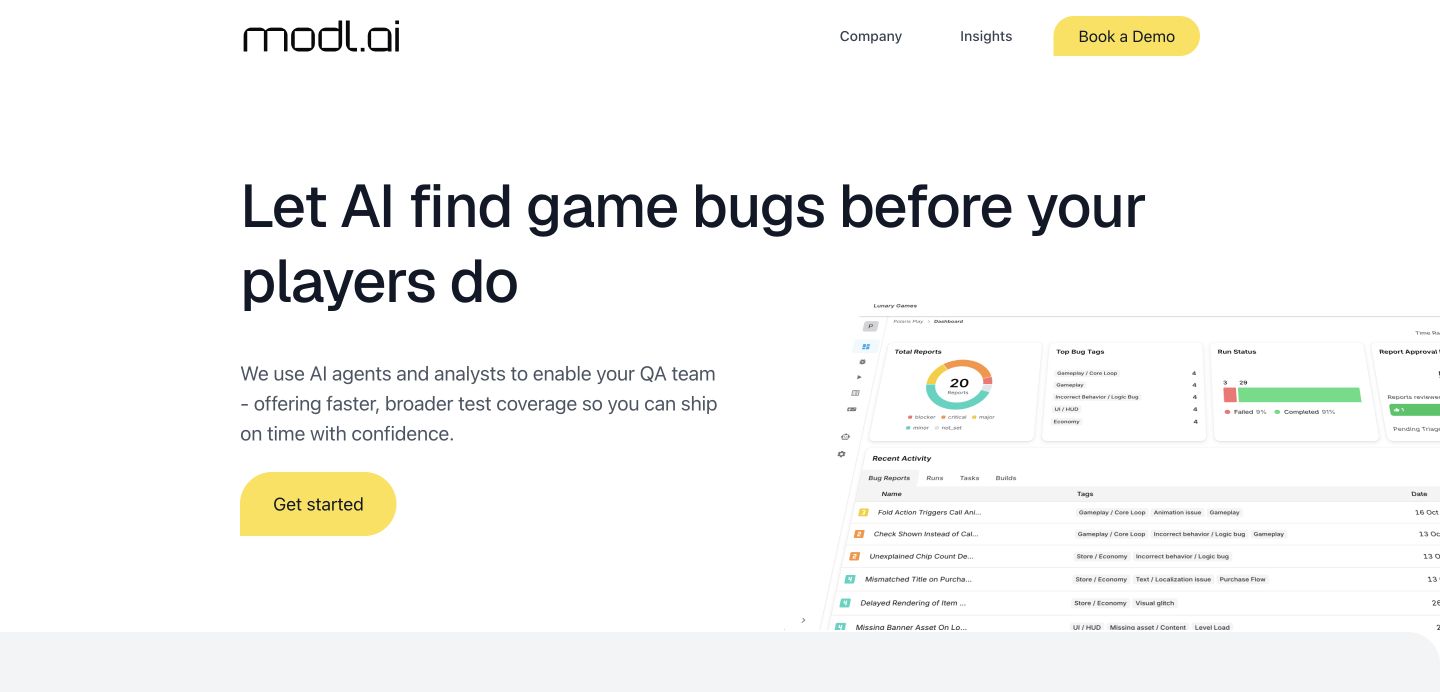
modl.ai describes AI agents that test game builds, carry out plain-language tasks and produce reports with captured evidence. Its current site emphasizes external, integrationless testing rather than requiring a deep engine integration for every evaluation.
Begin with a small regression suite that has unambiguous outcomes. Completing a tutorial, opening inventory and returning from a rewarded placement are more useful first tasks than an unrestricted instruction to find every bug.
Have QA review false positives and missed failures. Save the build number, device context and evidence for each report so an engineer can reproduce the issue. Automated discovery creates value when it leads to a fix the team can verify.
Confirm supported platforms, device coverage and access requirements in the pilot. Keep purchases and account actions inside approved test environments. Measure useful reproducible findings and review time, with the existing QA process as the comparison.
24. nunu.ai
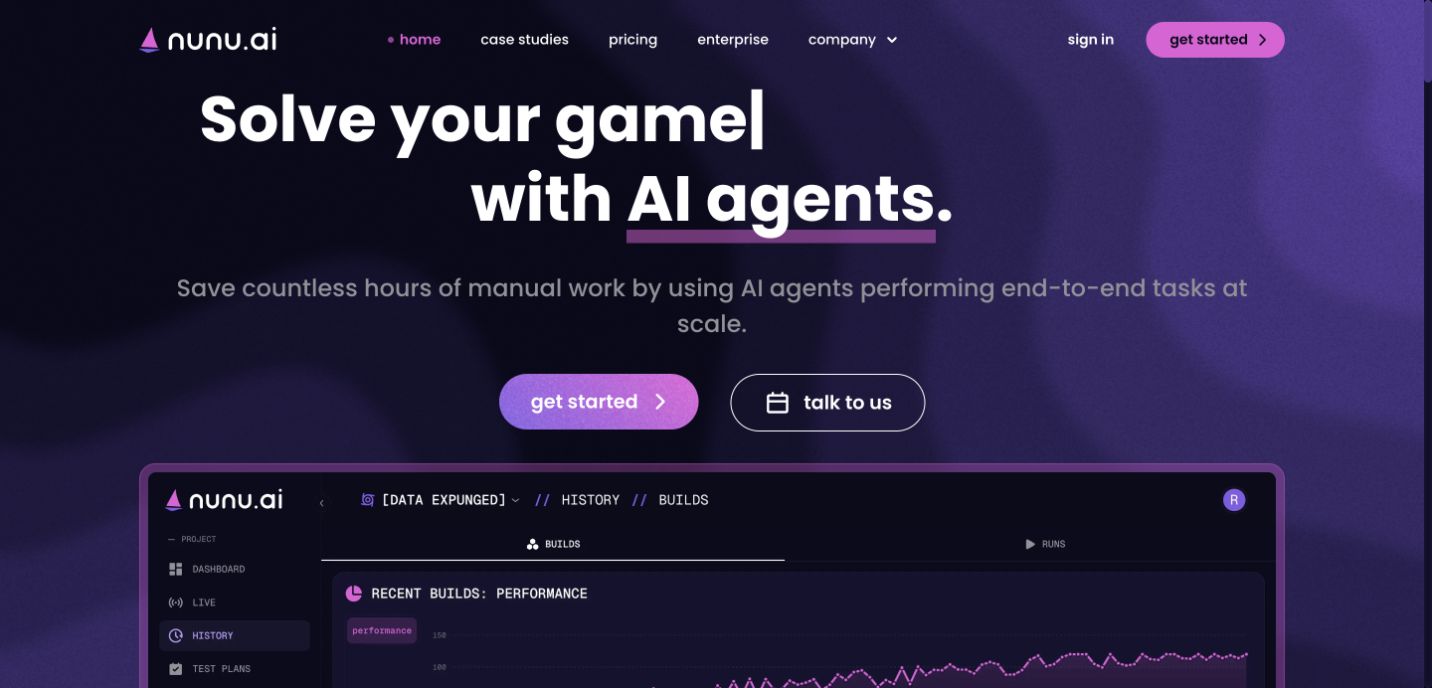
nunu.ai describes agents that interact with devices through the screen and input controls to perform game and software tasks. Its site includes QA automation, task reports and support for PC and mobile environments.
Evaluate it on a user journey that changes between builds, such as onboarding or a recurring event flow. Write the task in terms of observable success and include the conditions that should trigger a failure report. That makes the result reviewable by the QA owner.
Use representative devices and account states. A task working on a fresh account may fail when the player returns with an existing inventory or an unfinished offer. Keep those variants explicit rather than assuming an agent explores them automatically.
Review evidence quality and maintenance effort across two builds. The meaningful question is whether the test remains reliable when the interface changes. Confirm current platform support, infrastructure and integration options before replacing a release check with an automated run.
Sound and voice
25. ElevenLabs
ElevenLabs offers speech generation, voice tools, dubbing and other audio capabilities. A game studio can assess it for temporary dialogue, selected production voice work or localized creative, depending on permissions and the plan.
Use a short script with the game’s actual names and emotional context. Check pronunciation, pacing and consistency across several lines. A strong isolated sentence does not establish that a character will sound coherent throughout a scene.
For localization, involve native speakers who understand the character and audience. Ask them to review meaning and performance alongside the audio. Keep language versions connected to the same script revision so a later edit does not leave old dialogue in one market.
Secure appropriate permission for any voice cloning and verify commercial usage under the selected service. Save the approved script, voice settings, output and rights record. Measure accepted audio minutes after retakes and editing, rather than treating raw generation duration as finished production.
Quick reference: all 25 tools
| Tool | Primary studio job to evaluate | Human review owner |
|---|---|---|
| Claude | Documents, reasoning and coding tasks | Task owner or engineer |
| ChatGPT | Research, creative briefs and connected work | Creative lead or analyst |
| Unity AI | Project-aware Editor assistance | Unity engineer |
| Cursor | Contained code changes and developer tools | Code reviewer |
| n8n | Repeatable workflows between systems | Automation owner |
| Sett | Video and playable UA concepts | UA creative lead |
| Kling AI | Generated image and video sequences | Editor |
| Runway | Media generation and editing | Editor or pipeline owner |
| Pika | Focused video and creative tasks | Editor |
| Nano Banana | Image generation and editing in Gemini | Art lead |
| Layer AI | Related assets across creative formats | Art and creative leads |
| Segwise | Creative analysis and next-test briefs | UA analyst |
| GenieLabs | Playable production and iteration | Creative engineer |
| INCYMO | Video analysis and creative briefs | Creative strategist |
| Scenario | Style-consistent asset production | Art director |
| Meshy | 3D generation and texturing | Technical artist |
| Midjourney | Visual exploration and concepts | Art director |
| Ludo.ai | Sprites and game asset production | Artist or designer |
| Magnific | Creative workflows, editing and enhancement | Art lead |
| Artlist | AI creative tools and licensed stock | Editor and rights owner |
| Bruin | Data pipelines and governed analysis | Data engineer |
| GameAnalytics | Player analytics and game-data questions | Product analyst |
| modl.ai | Automated game QA tasks | QA lead |
| nunu.ai | Device-driven testing tasks | QA lead |
| ElevenLabs | Voice, dubbing and audio | Audio or localization lead |
Pricing reference: what to check before buying
For a 2027 budget, request current terms at the time of purchase. Plans, credits and model access change. The table keeps all 25 entries and identifies the cost variable to verify instead of presenting old prices as guaranteed future rates. Use each product’s official page linked above to reach its current pricing or sales information.
| Tool | Budget check |
|---|---|
| Claude | Plan usage limits, seats and any separate developer usage |
| ChatGPT | Personal or business plan, included capabilities and integration costs |
| Unity AI | Current access, credits, beta terms and project eligibility |
| Cursor | Seats, model usage and included agent allowances |
| n8n | Workflow usage, deployment, hosting and external model charges |
| Sett | Quoted scope, production volume and revision terms |
| Kling AI | Generation credits, model choice and export requirements |
| Runway | Workspace allowance, model usage and developer billing |
| Pika | Credits, available apps and export rights |
| Nano Banana | Gemini or Google AI plan limits for the desired image model |
| Layer AI | Seats, generation usage and required workflow capabilities |
| Segwise | Data connections, analysis scope and generation entitlement |
| GenieLabs | Playable production, export needs and iteration allowance |
| INCYMO | Analysis credits, generation and any production service scope |
| Scenario | Generation usage, custom models and team requirements |
| Meshy | Credits, export formats and commercial permissions |
| Midjourney | Usage allowance, privacy options and business eligibility |
| Ludo.ai | Asset credits, team access and export requirements |
| Magnific | Current bundle, model credits and enhancement usage |
| Artlist | AI usage, stock license scope and team or client work |
| Bruin | Cloud usage, hosting and required data infrastructure |
| GameAnalytics | Free-tier scope, paid analytics, exports and data products |
| modl.ai | Build coverage, devices, runs and support scope |
| nunu.ai | Task volume, device infrastructure and integration scope |
| ElevenLabs | Audio usage, language work, rights and retakes |
How to run a useful studio pilot
Choose one task with an existing baseline. Record the time, cost and quality of the current process before introducing the tool. A creative pilot might follow a brief through concept generation, editing, approval and campaign delivery. An analytics pilot might follow a known source table through to a checked business answer.
Use the same acceptance criteria for both workflows. If the old process includes localization, rights review and export cleanup, include those steps in the AI-assisted cost too. Otherwise the comparison rewards a tool for handing unfinished work to another person.
Keep a small evaluation set that represents difficult cases. For art, include a recurring character and a small-screen UI asset. For QA, include a returning account and an interrupted session. For data, include a late adjustment and a time-zone boundary. These cases tell you more than a polished demonstration with ideal inputs.
Agree on an owner for the output library. Store approved files with descriptive, year-free names, their production brief, rights information and source settings. Reuse them across blog content, social material or future campaigns when the context and permissions fit. Avoid generating another version merely because the original is difficult to find.
Also define when the team should stop using the tool for a task. Repeated cleanup, unreliable outputs or unclear rights can make a conventional workflow the better choice for that particular asset. Keep that decision specific to the task rather than treating a single result as a verdict on every use of the product.
Turn a successful pilot into a reusable brief
Record the objective in one sentence, followed by the supplied references, required outputs and acceptance criteria. Keep approved examples and a few rejected examples with short explanations. The next person should be able to understand what made an asset usable without reopening a long conversation.
For a creative test, add the campaign hypothesis and a stable asset identifier. That identifier should connect the source project, review decision, delivered export and later results. If the campaign uses several crops or languages, preserve their relationship to the same underlying idea.
For an engineering or analytics task, save the validation evidence beside the output. Include the expected behavior or metric definition and the checks performed. Reusing a prompt is useful when the next run can also reuse a clear standard of correctness.
Review the library periodically. Archive superseded versions with their history intact, and point new work to the currently approved asset or workflow. This reduces duplicate production and helps the team spend its next tool credit on a question it has not already answered.
Connect creative efficiency with monetization
Producing more creative has value when the studio can test it and learn from the result. Read the user acquisition guide alongside the purchase and advertising monetization guide so the campaign objective matches the game’s economics.
For publishers, creative production and ad operations also need separate owners. An image generator does little to resolve an adapter failure or a missing rewarded callback. Use the AI in ad operations guide to identify the operating work, then discuss that setup with UndrAds if it is limiting the team.